Rowing game · SmartRow, WaterRower, Concept2 & Bluetooth
Turn your rowing machine into a race
Connect your SmartRow, WaterRower, Concept2 or other Bluetooth rowing machine, and every stroke moves your boat through the Alps, Amsterdam, London, space and the clouds, on your TV. In your browser, nothing to install.
Three things, and you’re rowing
No subscription, no new hardware, no account. If your rower speaks Bluetooth, you’re set.
Your rower
A SmartRow, a WaterRower S4 with the Bluetooth ComModule, or any rowing machine with standard fitness Bluetooth (FTMS).
A computer or Android phone
Open RowingBuddy in Chrome or Edge and pick your rower. It connects over Bluetooth in a few seconds. The iPhone and iPad app is on its way.
Your TV
Cast or mirror the screen, or plug in an HDMI cable. Then row with the world in front of you.
Five virtual rowing worlds
Each one is a full course with its own music for warming up, racing and the final sprint.

Alpine summerThe Alps
A sunny turquoise lake under snowy peaks, pine forests and green meadows.
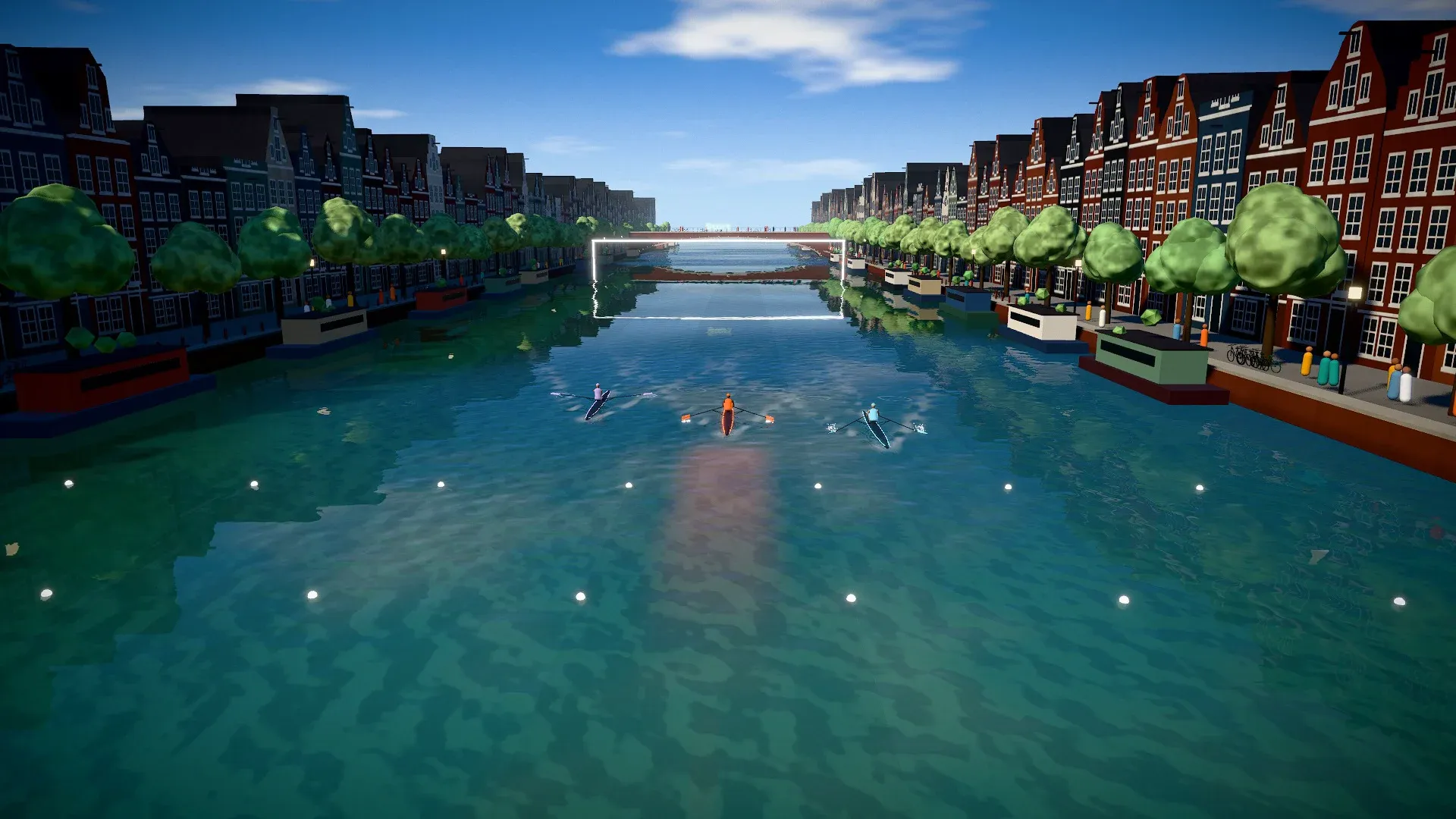
Canal dayAmsterdam
Amsterdam on a sunny day: gabled canal houses, houseboats, bikes and a cheering crowd.
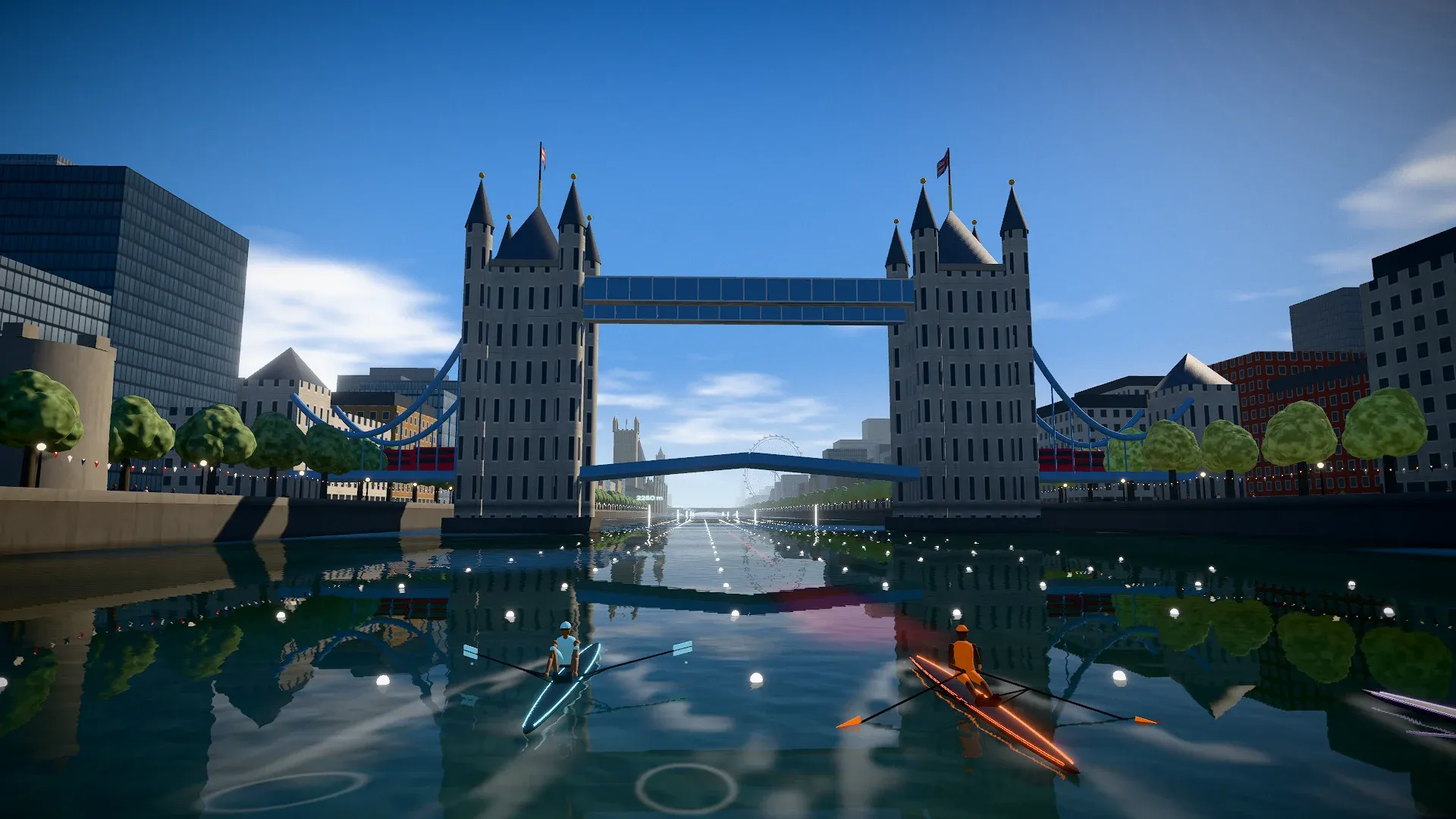
London ThamesLondon
Down the Thames past Big Ben, the London Eye, St Paul’s and the Shard, and under Tower Bridge.

Ring runSpace
Leave the water behind: race a small spaceship along ribbons of light through the rings of a giant planet.

Sky islandsAbove the clouds
A hover road above a sea of clouds at sunset, past floating islands, waterfalls and ring gates.
Every stroke moves your boat
- Live from your rower. Pace per 500 m, stroke rate, watts and the metres to go, big enough to read mid-stroke.
- Three pacers who row like people. One goes out hard, one stays even, one saves it all for the finish.
- Your best as a ghost. Row a piece again and race your own best row, boat against boat.
- A coach in your ear. Short spoken calls on how the race is going, so your eyes can stay on the water.
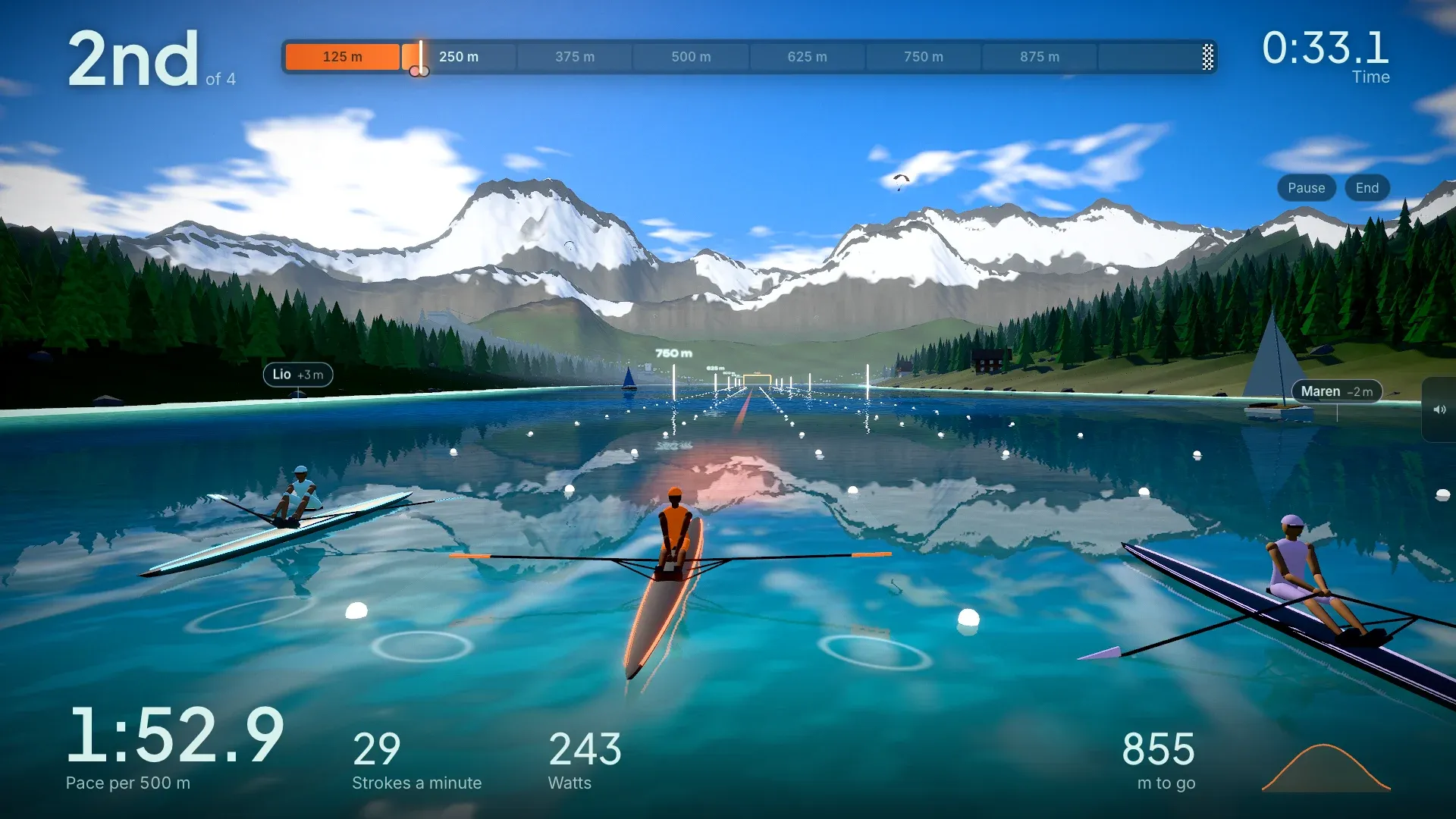
Rowing workouts: pick a piece
From an all-out 500 m to half an hour of steady rowing. Every piece works in every world.
Races
- 500 m sprint
- All out, about a minute and a half.
- 1,000 m
- Hard start, hold on through the middle.
- 2,000 m
- The classic test piece.
- 5,000 m
- Long, steady and honest.
Against the clock
- 10 minutes
- See how far you get.
- 20 minutes
- A solid aerobic row.
- 30 minutes
- Settle in and find a rhythm.
Intervals
- 8 × 250 m
- Short sprints with 45 s rest.
- 5 × 500 m
- Race pace, 1:30 rest between.
- 4 × 4 minutes
- Threshold work, 2 min rest.
- Pyramid
- 250, 500, 750, 500 and 250 m with 1 min rest.
- Rate ladder
- 4 × 4 min at 18, 20, 22 and 24 strokes a minute.
No target
- Just row
- No target. Stop whenever you like.
Questions
Is RowingBuddy free?
Yes. RowingBuddy is free to row, and you don’t need an account.
Do I need an account?
No. Without one, your rows stay on your device. With an account you can back up your rows, see them on all your devices and appear on the leaderboards, each only if you choose to.
Which rowing machines work with RowingBuddy?
A SmartRow, a WaterRower S4 with the Bluetooth ComModule, a Concept2 RowErg with the PM5 monitor, and any rowing machine with standard fitness Bluetooth (FTMS), including the SmartRow app’s broadcast mode. No rower yet? Try everything with the built-in simulator.
Which phones, tablets and computers can I use?
A computer, or an Android phone or tablet, with Chrome or Edge: they connect to the rower over Bluetooth. Browsers on iPhone and iPad can’t connect to a rower yet; the RowingBuddy app for iPhone and iPad is coming.
How do I get RowingBuddy on my TV?
Mirror or cast your screen. On Android, use Cast or Smart View to a Chromecast or Google TV; on iPhone, Screen Mirroring to an Apple TV or AirPlay TV. A USB-C to HDMI cable gives the sharpest picture with no delay. Turn the phone sideways before you start mirroring so the picture fills the TV. The full guide to rowing on your TV.
What does RowingBuddy do with my data?
It reads distance, pace, power and stroke rate from your rower, on your device. It never reads heart rate or other health data. Anonymous usage numbers can be switched off in Settings. The privacy policy has the details. Read the privacy policy.
From the blog
A Concept2 PM5 app for rowing games: RowingBuddy now connects
An app for the Concept2 RowErg and PM5: row in RowingBuddy, the rowing game. How to connect, what it reads from the PM5, and what to try if it won’t.
How to row on your TV with a SmartRow or WaterRower
Put your rowing machine’s numbers and a world to row through on the big screen. What you need, how to connect, and the best way to get it onto your TV.
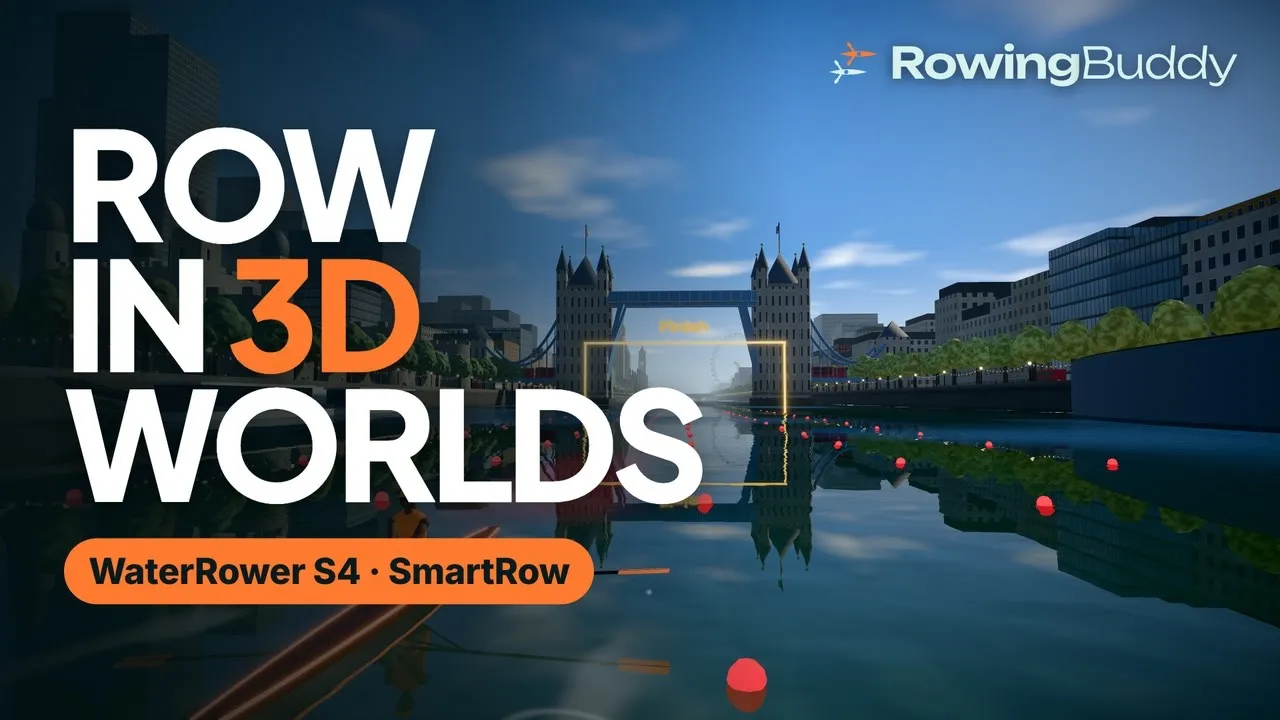
Video: connect a WaterRower S4 or SmartRow and row in 3D worlds
A 2½-minute walkthrough of RowingBuddy, from connecting your WaterRower S4 or SmartRow over Bluetooth to racing pacers and your own best time under Tower Bridge.
Ready when you are
Open RowingBuddy, pick your rower and row your first 500 m. No rower to hand? The simulator lets you try every world first.
Play in your browser