Video: connect a WaterRower S4 or SmartRow and row in 3D worlds
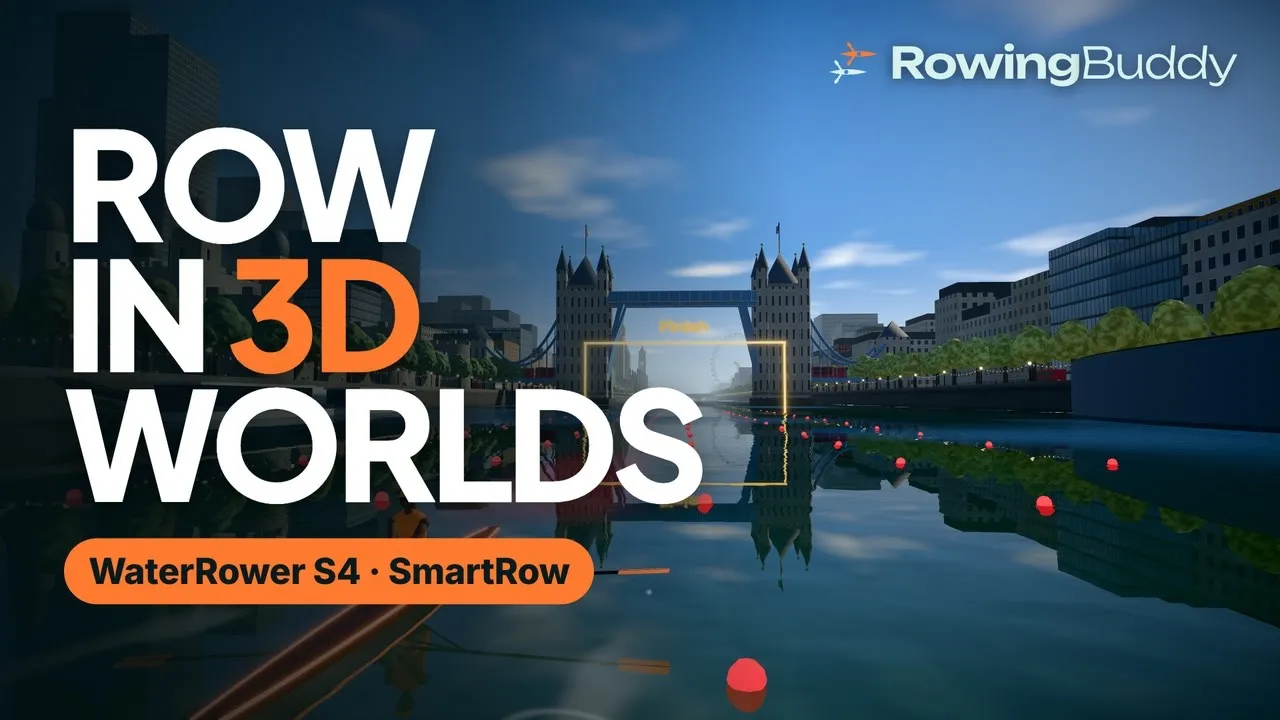
This walkthrough shows RowingBuddy from start to finish: connecting the rower, picking a world, and rowing a 2,000 m race on the Thames against three pacers and your own best time. It takes two and a half minutes. Jump to any part with the chapters under the video, or read the steps below.
What you need
- A WaterRower S4 or a SmartRow. The S4 monitor needs the WaterRower Bluetooth ComModule. Any other rowing machine with standard fitness Bluetooth (FTMS) works too.
- A laptop or an Android phone with Chrome or Edge. RowingBuddy runs in the browser, so there’s nothing to install. Apps for iPhone and iPad are coming.
- A TV, if you like. Mirror the screen to a TV in front of your rower. Our guide to rowing on your TV covers the options.
Connect your rower
Open rowingbuddy.com and tap the rower chip on the home screen. Pick your rower from the list:
- WaterRower S4: wake the monitor with a stroke or any button first.
- SmartRow: pull the handle once to wake the sensor.
Choose it in the browser’s Bluetooth window and row a few strokes. The live values should match your monitor.
Pick a world
There are five: an Alpine lake under snowy peaks, the canals of Amsterdam with a cheering crowd, the Thames through London to Tower Bridge, glowing lanes beside a ringed planet, and a hover road above the clouds at sunset.
Row a race
Pick a race from 500 m to 5,000 m. The video rows the classic 2,000 m on the Thames.
- Three pacers are set around your pace. One goes out hard, one rows even splits and one saves it for the finish.
- Your best time comes back as a ghost. Every race you’ve rowed before has your best on the water beside you, so you can see exactly where you’re up or down.
- Live numbers from your monitor: pace per 500 m, stroke rate, watts and the metres to go, with your power curve beside them, and the whole field along the top.
At the finish you get your splits, your place and any personal best. They’re saved on your device, or synced across devices with an account.
Just row
No target, no pacers: row as long as you like, wherever you like. There are timed pieces and intervals too, and new worlds keep coming.
Ready to try it? Open RowingBuddy with your rower nearby. No rower to hand? The built-in simulator lets you try everything first.
The footage was recorded in the game, with its built-in simulator standing in for the rower. WaterRower and SmartRow are trademarks of their owners. RowingBuddy isn’t made or endorsed by them.