A Concept2 PM5 app for rowing games: RowingBuddy now connects
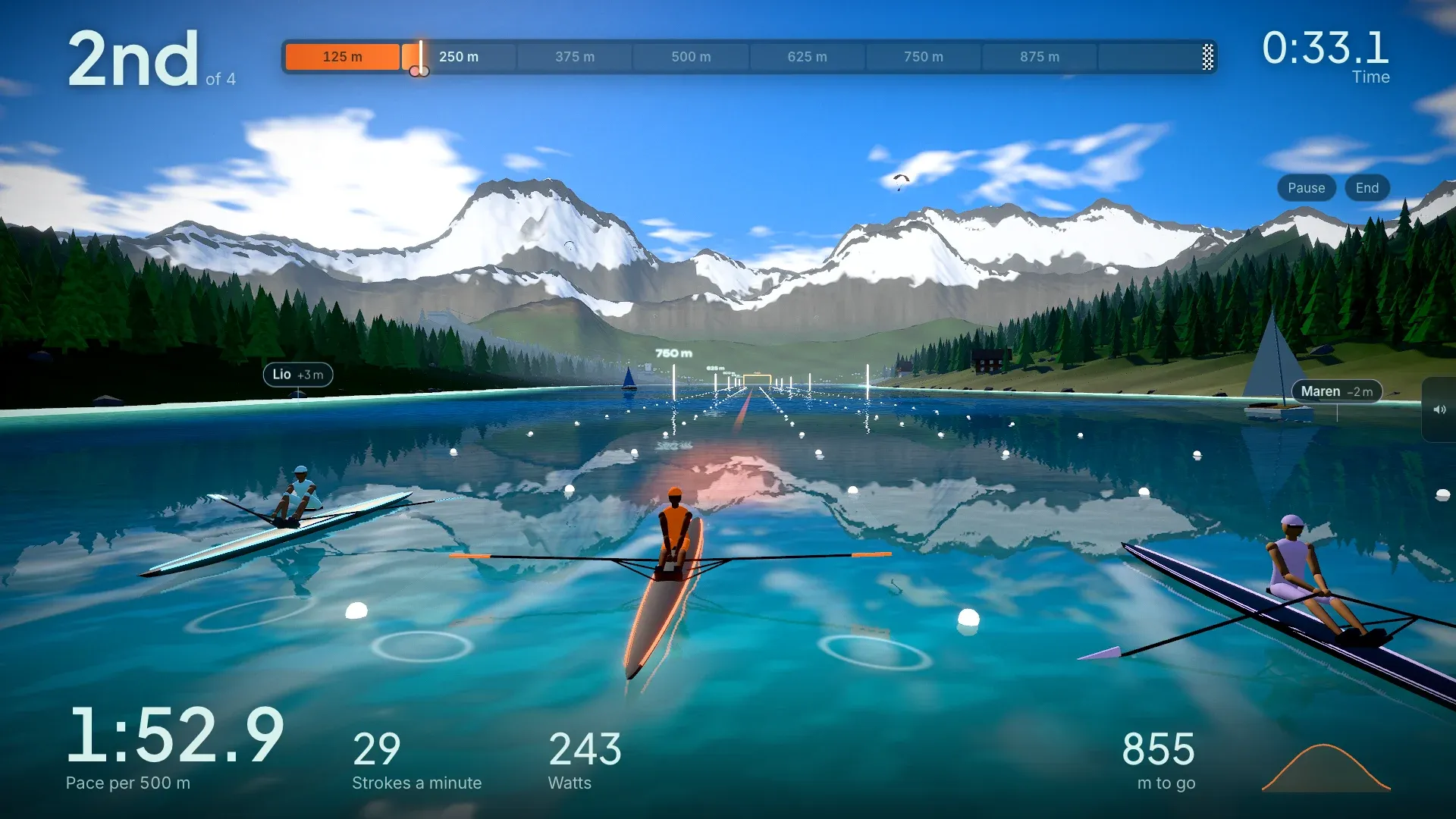
The question we hear most is “does it work with a Concept2?” Until today the answer was no. Now it’s yes: the RowingBuddy app connects to a Concept2 RowErg with the PM5 monitor, straight over Bluetooth, with nothing extra to buy or install.
That means every world and every workout is open to the most common rowing machine there is. Race three pacers across an Alpine lake, row an Amsterdam canal or the Thames through London, or chase your own best time as a ghost, with every stroke on your erg moving the boat.
Why it took a while
Most Bluetooth rowers share the numbers in one standard format, called FTMS, and RowingBuddy has read that from the start. The PM5 doesn’t use it. Concept2 has its own Bluetooth protocol, so the game needed its own way of talking to the monitor. That’s what’s new.
What RowingBuddy reads from the PM5
- Distance, pace per 500 m and average pace
- Stroke rate and stroke count
- Watts and average watts
- Calories
- Drive length
The numbers come from the PM5 itself, so what you see in the game matches the monitor. RowingBuddy doesn’t read heart rate, even with a strap paired to the PM5.
How to connect
- Open RowingBuddy in Chrome or Edge on a computer, or on an Android phone or tablet.
- Choose Rower, then Concept2 PM5.
- Wake the PM5 with a stroke or any button.
- Pick your PM5 in the Bluetooth window. Its name starts with PM5, followed by its serial number.
- Row a few strokes and check the live numbers against the monitor, then start rowing.
Put it on your TV by casting or mirroring the screen, or with an HDMI cable, and the wall in front of your erg becomes the course. Here’s how to row on your TV.
If it won’t connect
- Close ErgData and any other app that may be connected. The PM5 only talks to one app at a time.
- Wake the PM5 again. It goes to sleep after a few minutes without rowing.
- Update the PM5’s firmware with the Concept2 Utility or ErgData if it still doesn’t appear.
- PM3 or PM4? They have no Bluetooth, so they can’t connect.
Pressing Menu or starting a new workout on the PM5 resets its numbers. RowingBuddy notices and carries on counting from where you were, so your race isn’t lost.
The full setup guide is on the Concept2 PM5 page.
Tell us how it goes
This is brand new, and every PM5 setup is a little different. If a number looks off or the PM5 won’t show up, send us a note with the Feedback button in the game. The connect screen also shows the raw Bluetooth messages, and a screenshot of those helps us fix things quickly.
No account needed. Start rowing.
Concept2, RowErg and PM5 are trademarks of Concept2. RowingBuddy isn’t made or endorsed by Concept2.